Performance tuning works best after compatibility is stable. If the profile is already crashing or missing dependencies, solve those issues before changing graphics or memory settings.
Use a stable baseline
Start from a profile that launches reliably. Record its game version, loader, main mod and dependency versions so you can tell whether a performance change actually helped.
Measure before and after
Compare the same world and location so a performance change is easier to judge.
Change one category at a time
Rendering mods, shaders, resource packs and optimization mods can all change frame time. Introduce them in groups so you can identify the source of a regression.
Watch world complexity
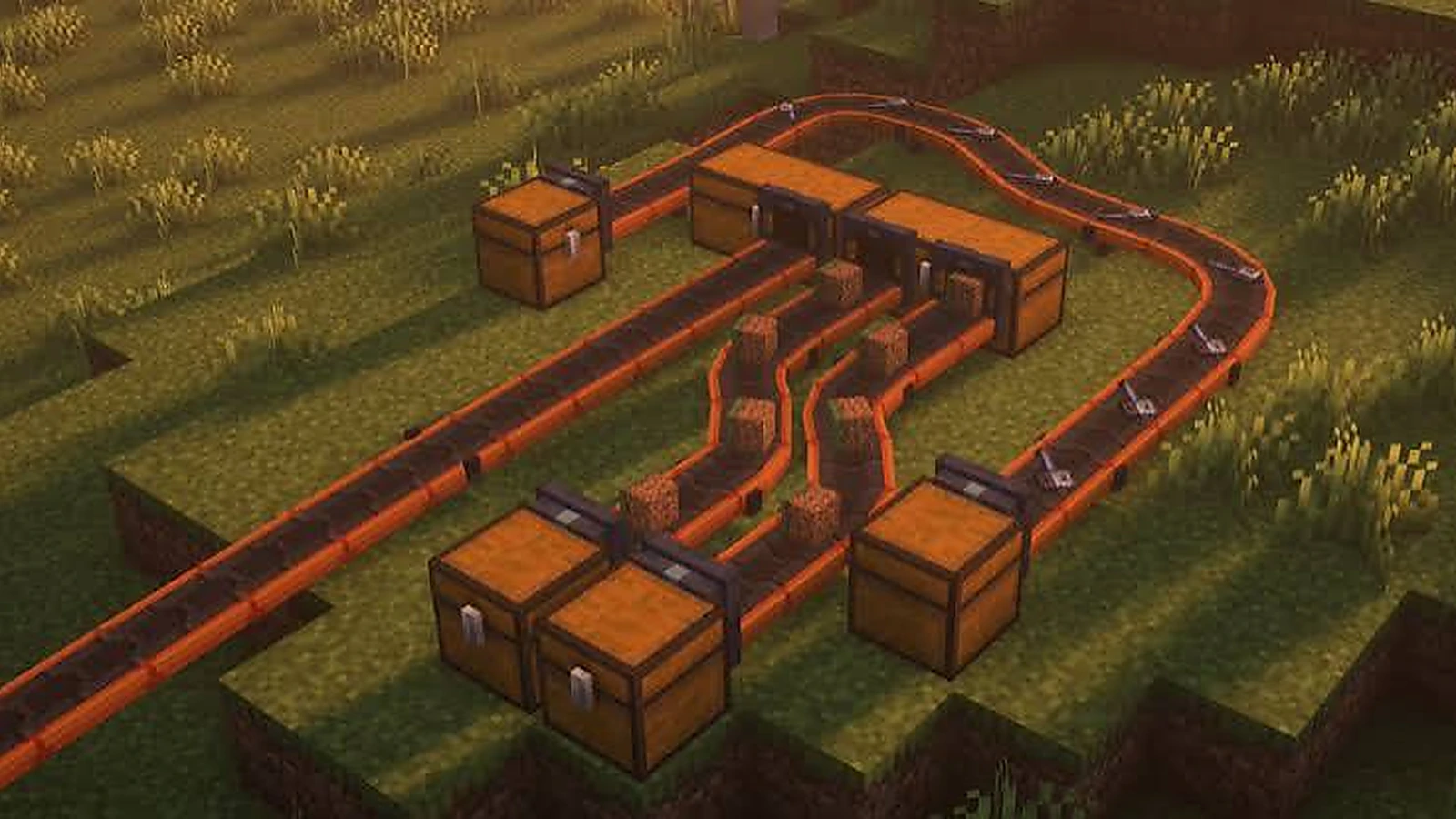
Large mechanical builds can naturally increase simulation and rendering work. Compare performance in a fresh world with performance around a complex build before blaming the loader or download file.
Keep update windows deliberate
Do not update every performance mod, loader component and content mod at once. A smaller change set is easier to validate and easier to roll back.
Next steps
After confirming your target version, continue with the Download, or browse the full guide library for more setup checks.