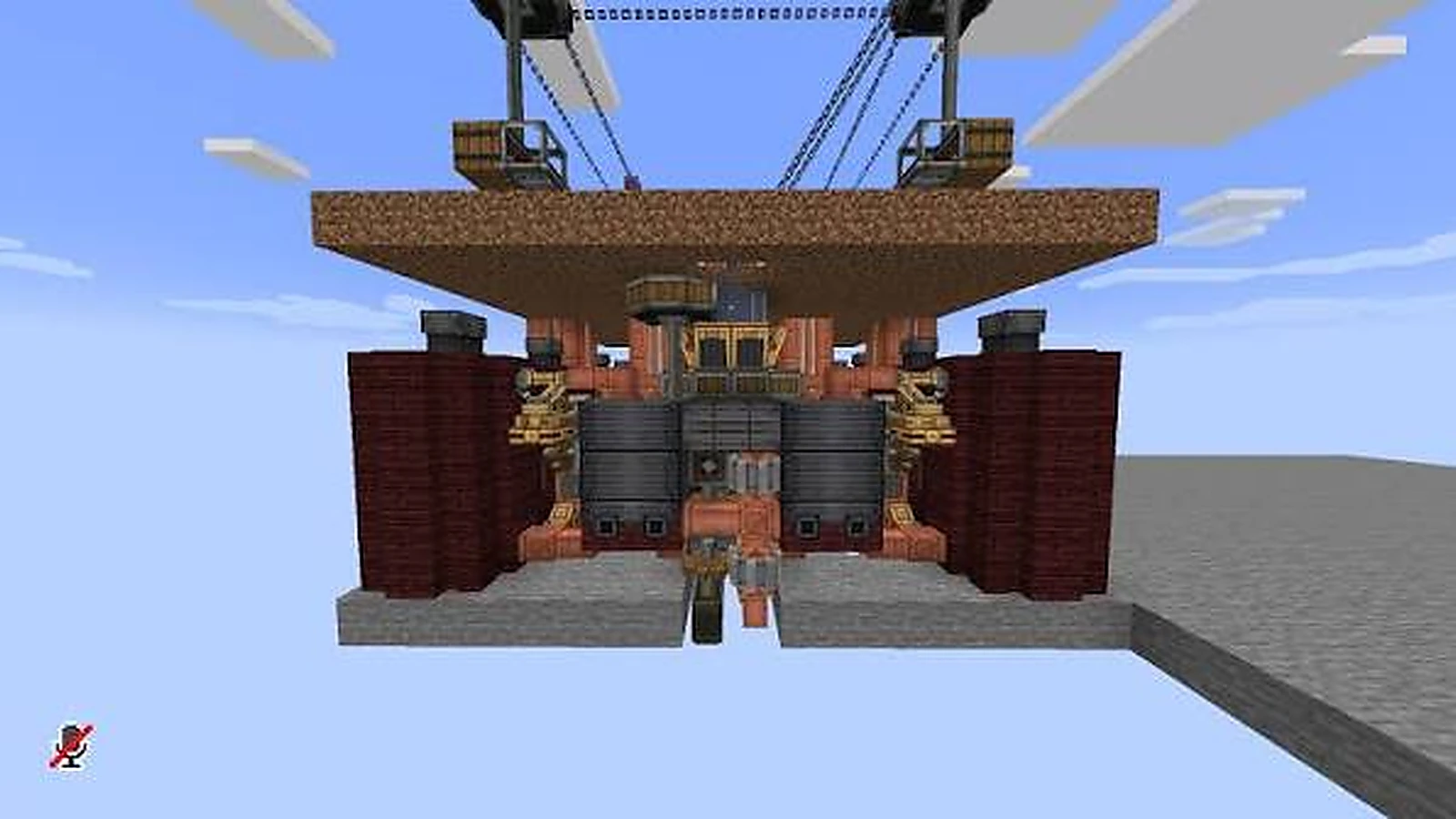
For a Create mod Fabric 1.20 1 setup, consistency matters more than the number of mods installed. Keep the game, Fabric loader context, dependencies and selected release aligned around the 1.20.1 target.
Use a dedicated instance
A dedicated instance prevents newer config files or unrelated mod versions from leaking into the 1.20.1 setup. If you already have a working profile, copy it before making major changes.
Keep the old profile intact
Use a copy for experimentation so the last working 1.20.1 combination remains available.
Migration checklist
- Back up worlds and configs.
- Record the current working mod list.
- Change one major component at a time.
- Test with a fresh world first.
- Only then test a copied main world.
Do not mix 1.20.1 and 1.20.4 files
They are close in numbering but should still be treated as separate targets. If a release does not explicitly match your environment, stop and verify rather than relying on the filename alone.
Keep rollback simple
Preserve the known-working profile instead of overwriting it. A quick rollback is much easier when the previous mods folder and configs still exist untouched.
Next steps
After confirming your target version, continue with the Download, or browse the full guide library for more setup checks.